 SurfSense Docs
Turn a recording into a source
Download a speech recognition model, add a recording, and ask about what was said, with times in the citations
A recording becomes a source through a speech recognition model on your computer: its transcript is searched and cited like any document, and each passage says when it was said. Your audio never leaves your computer. See Recordings.
This guide uses a LibriVox reading of The Art of War, which is in the public domain.
Choose a speech recognition model
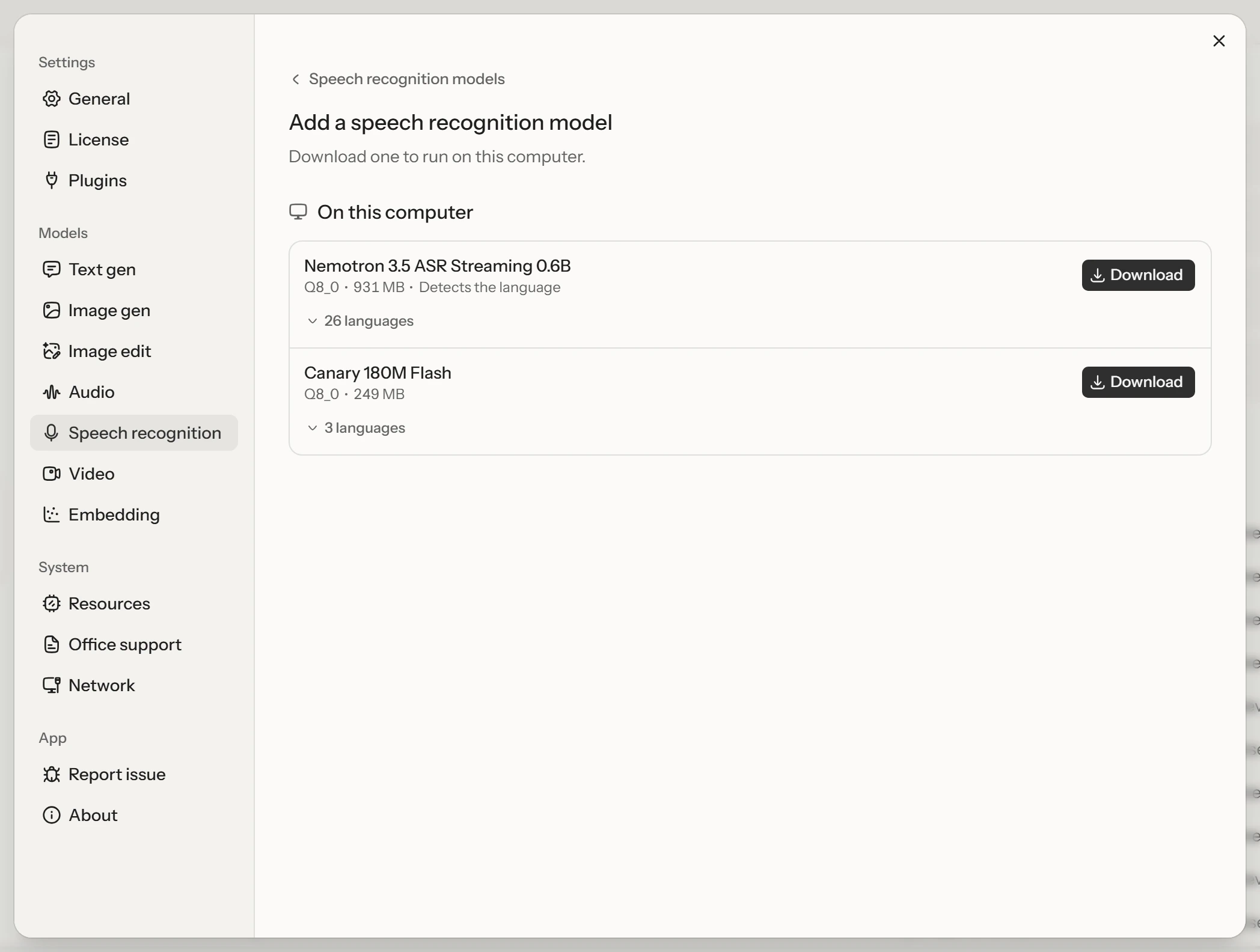
Open Settings, then Speech recognition, and click Add model. Each model lists its languages; one detects the language on its own. Click Download: downloading a model also chooses it.
Add the recording
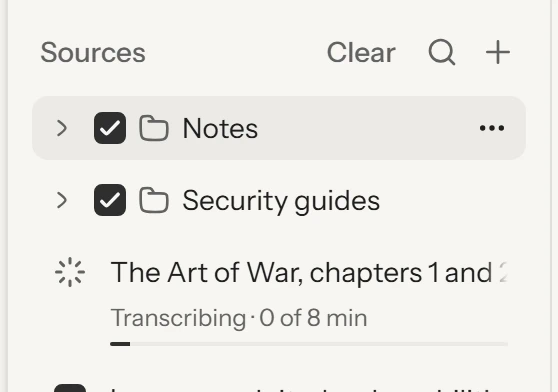
Add a .wav, .mp3, .flac or Ogg Vorbis file to Sources like any other file. Its row shows how far the transcript has got.
Ask about it
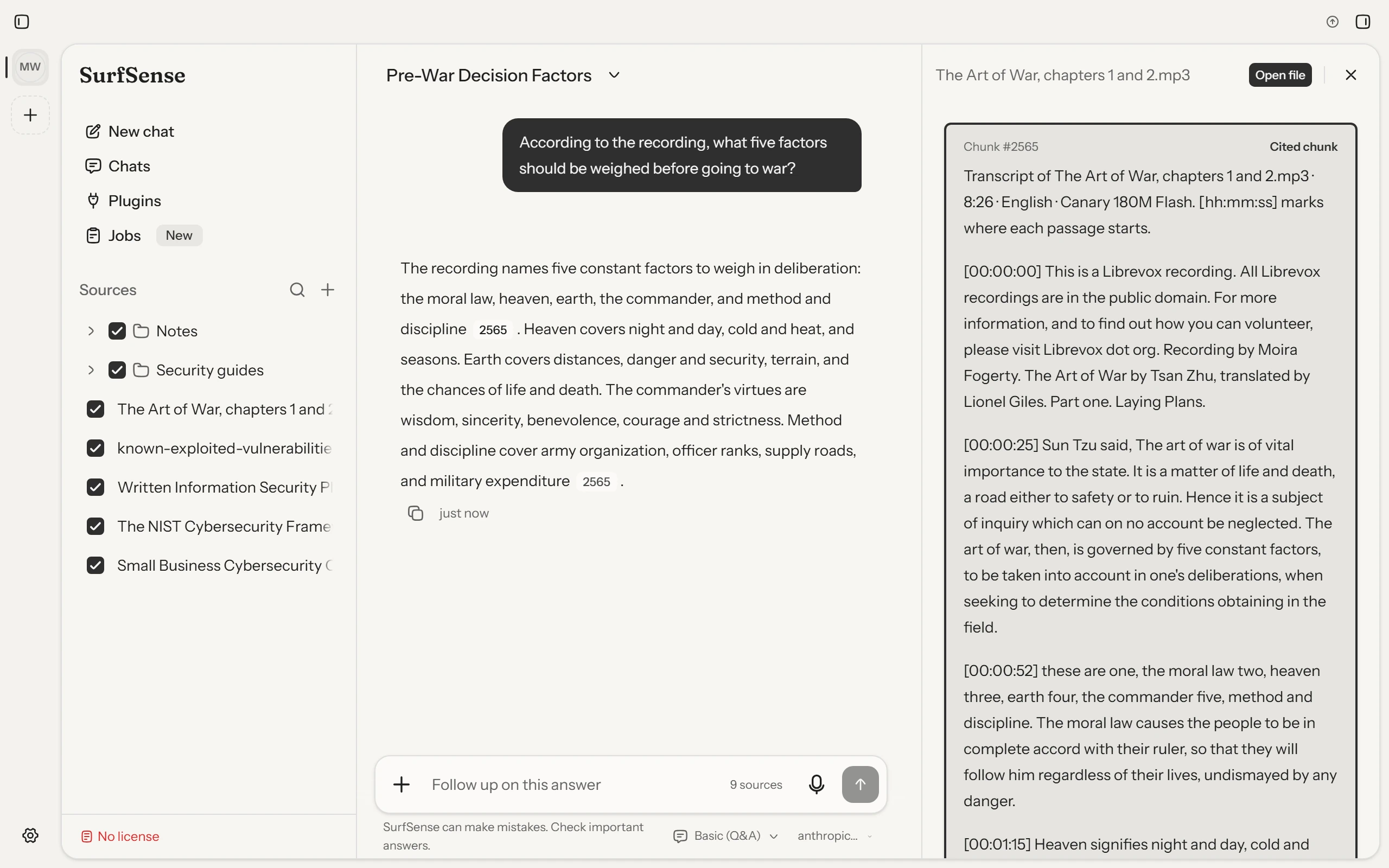
When it's ready, ask about it in a chat. A cited passage starts with the time it was said, such as [00:02:41].
Under the model in use, Spoken language sets the language your recordings are in. A recording can't be played back in SurfSense yet.
Next
- Dictate a question with the same model.
Last updated on November 23, 2026