 SurfSense Docs
Merge, split, stamp and fill PDFs
Ask the agent to merge, split, number, stamp or fill your PDFs, each result a new PDF in Studio
The agent can work on your PDF sources and the PDFs it made: merge them, take pages out, split, rotate or reorder pages, add a watermark, page numbers, a header or a footer, and fill in forms. Each result is a new PDF in Studio. See PDF tools.
Ask in an Agentic chat
In an Agentic chat, say what to do, naming the PDFs, such as "merge these two into one PDF, then add page numbers". Each tool it uses is a step, such as "Merged PDFs" and "Numbered a PDF's pages".
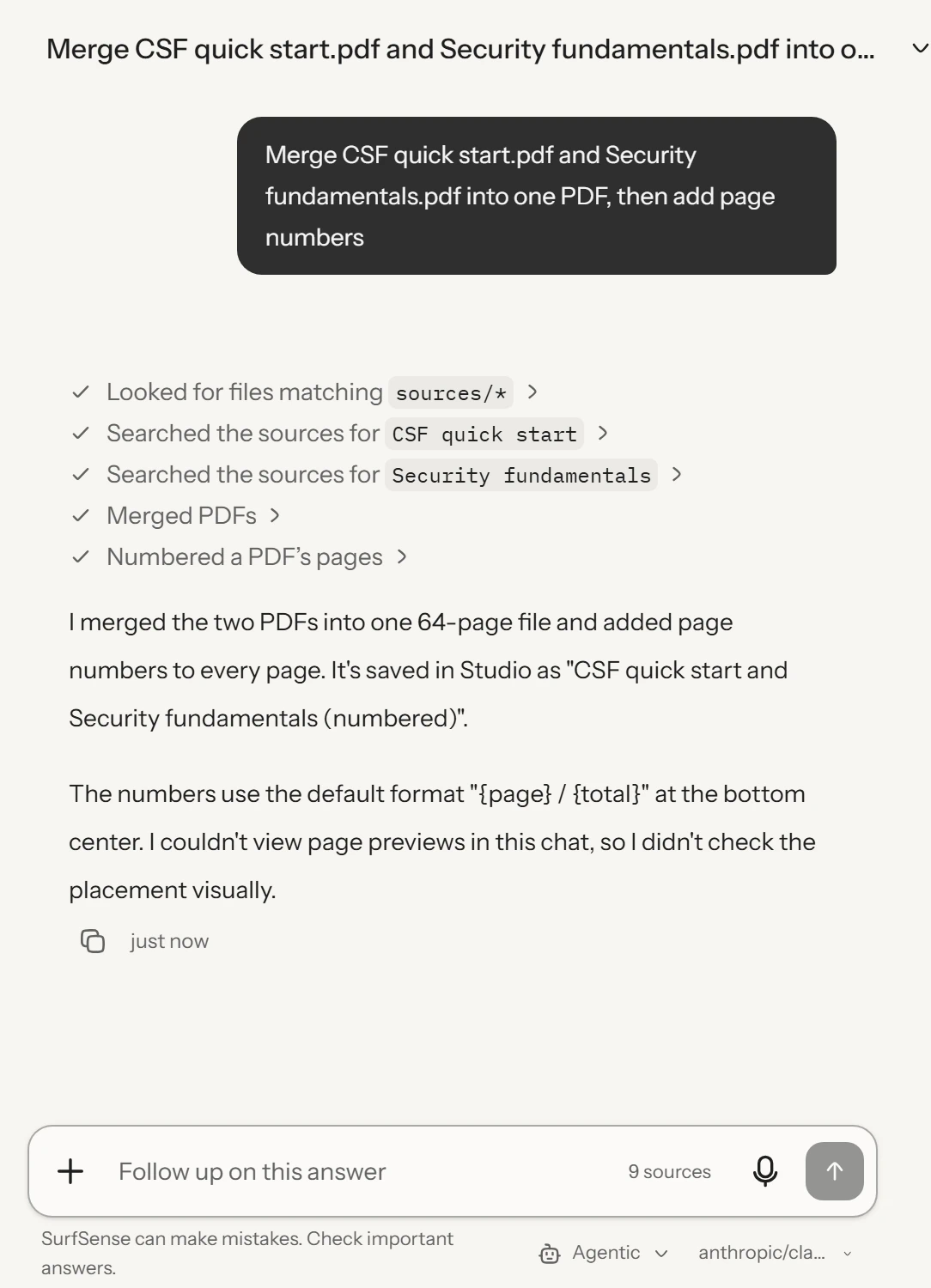
Open the result
The reply names the new PDF. Open it from Artifacts in Studio, and Download it from there. Your original PDFs stay as they were.
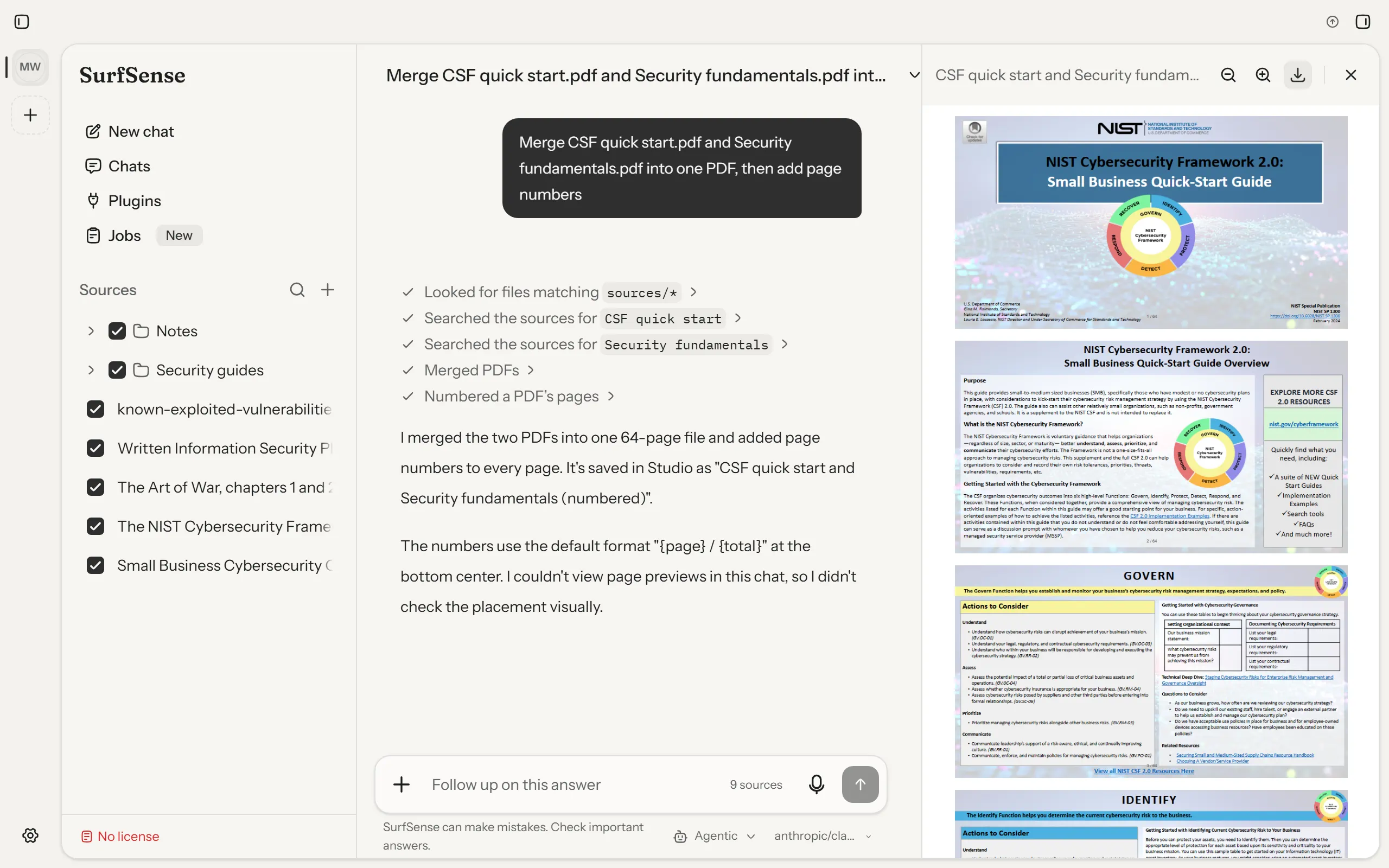
To fill in a form, tick it and ask: the agent reads the form's fields, fills them in, and can flatten the answers into the page. PDFs that need a password, signature fields and XFA-only forms are not supported. Converting a Word document or deck to PDF needs Office support.
Next
Last updated on November 23, 2026