 SurfSense Docs
Add web pages and YouTube videos
Paste links or search the web, and add pages and videos as sources, read on your own computer
A web page becomes its text, and a YouTube video becomes its transcript, in the language the video speaks. SurfSense reads them on your own computer and connection, as your browser would. No license is needed. Add from the web has the details.
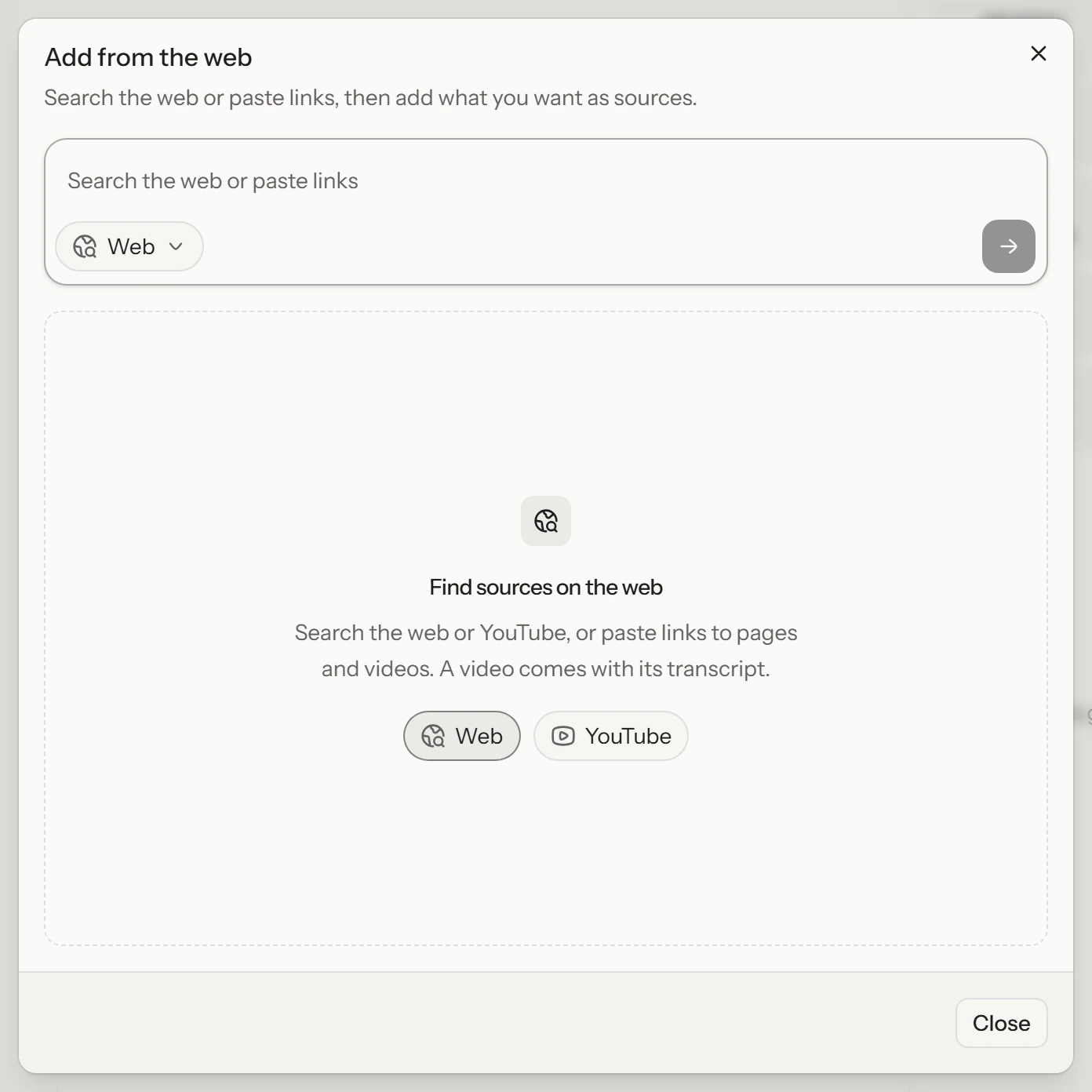
Paste links, or search
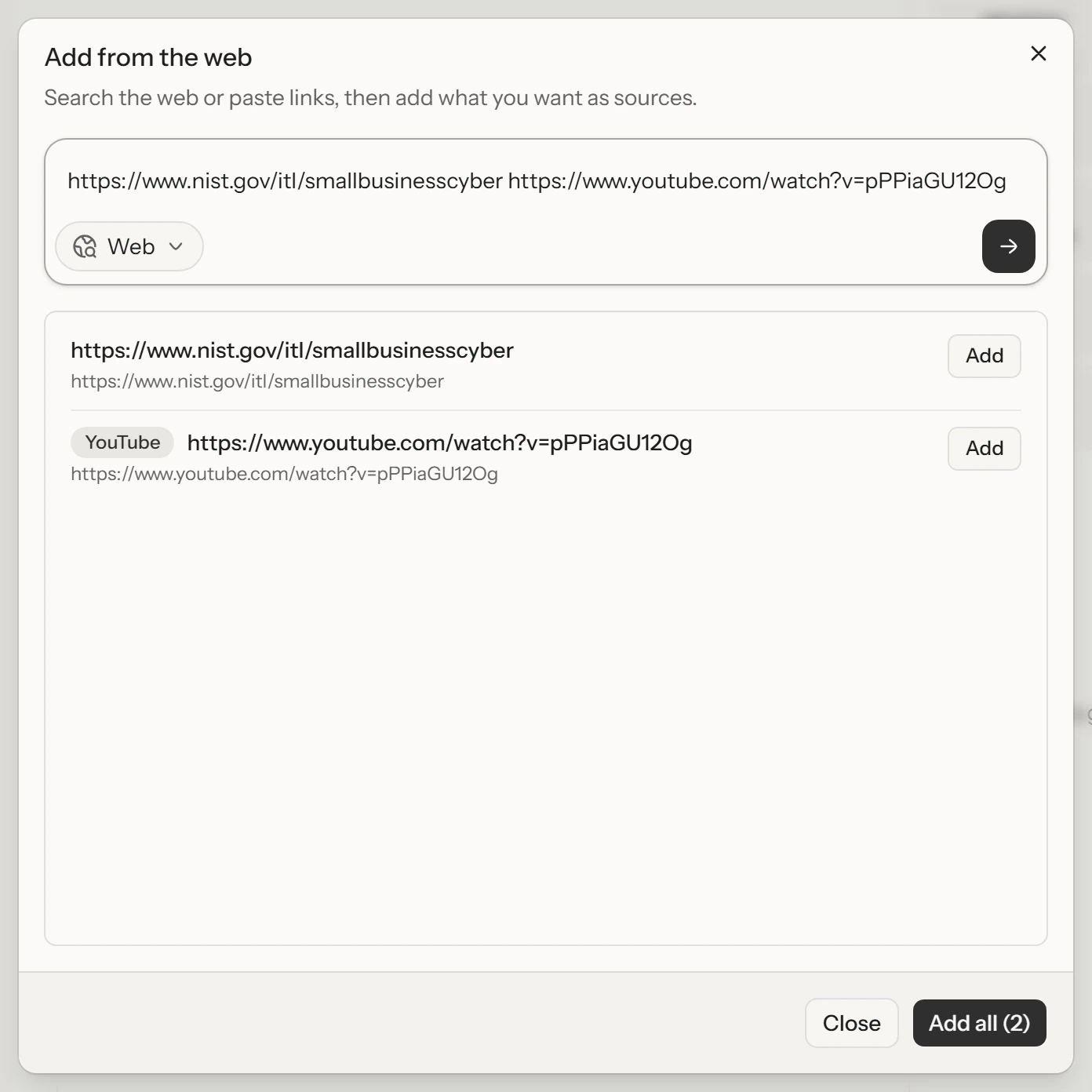
Paste one or more links into the box and press Enter. To search instead, type words and press Enter; choose YouTube under the box to find videos. The first search asks to allow SurfSense's search server.
Each link or result gets an Add button.
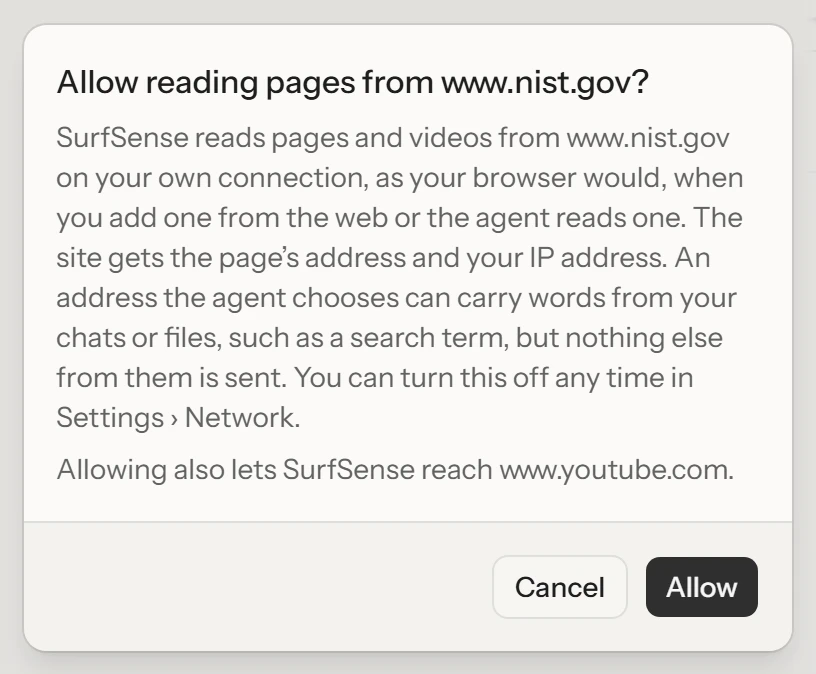
Allow the site
Click Add, or Add all. The first time you add from a site, SurfSense asks to allow it and says what the site receives: the page's address and your IP address, nothing from your documents. Click Allow. You can turn it off later in Settings › Network.
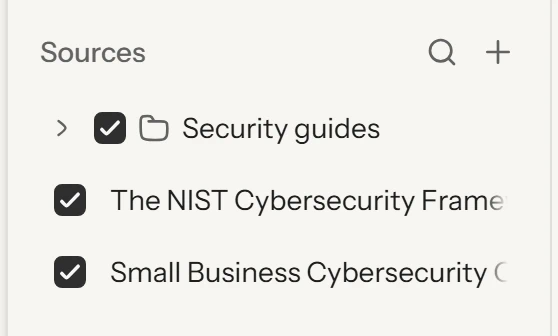
Use them like any source
Close the box. Each page and video appears in Sources under its title and is ready once SurfSense has read it. They're searched and cited like your files.
Some pages can't be read without a browser, such as pages behind a login. Save those as a PDF from your browser and add the file instead.
Next
- Ask a question and check its citations, across your files, pages and videos at once.
Last updated on November 23, 2026