 SurfSense Docs
Ask a question and check its citations
Get an answer from your sources in a Basic (Q&A) chat, and open the passage behind each point
A chat answers from the sources ticked in Sources and cites the passage behind each point, so you can check it. This guide uses the security guides added in Add files and folders. Chat covers everything else a chat does.
Start a chat in Basic (Q&A)
Click New chat. Before the first message, open the mode picker in the chat box and choose Basic (Q&A), which answers from your sources in one go. Agentic works in steps and can make files; see Agent.
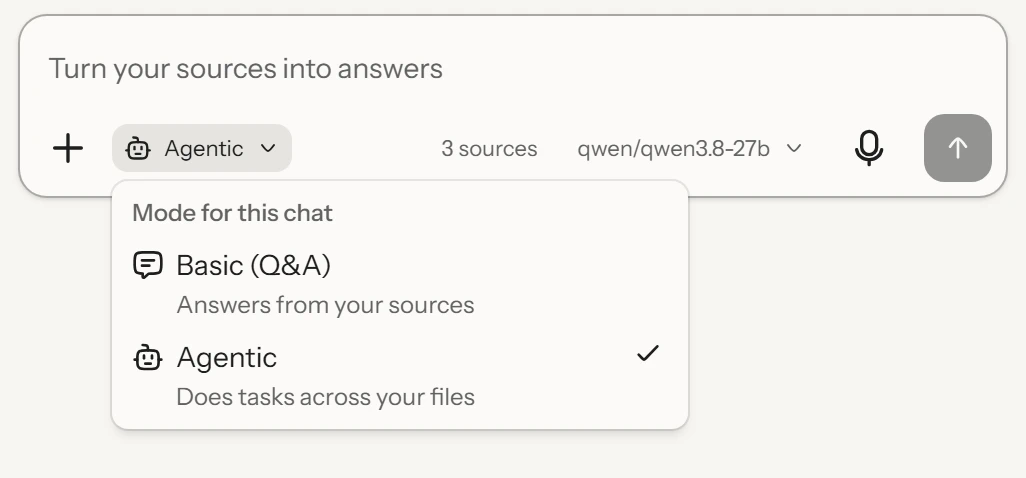
Ask your question
Type it in the chat box and press Enter. SurfSense finds the passages that match and the model answers from them. Some models think first: the reply then shows how long they thought.
Read the answer
Each point carries a small numbered chip: its citation. A point with no chip isn't backed by a passage from your sources. When none of them answers the question, the model says so before it answers from what it knows.
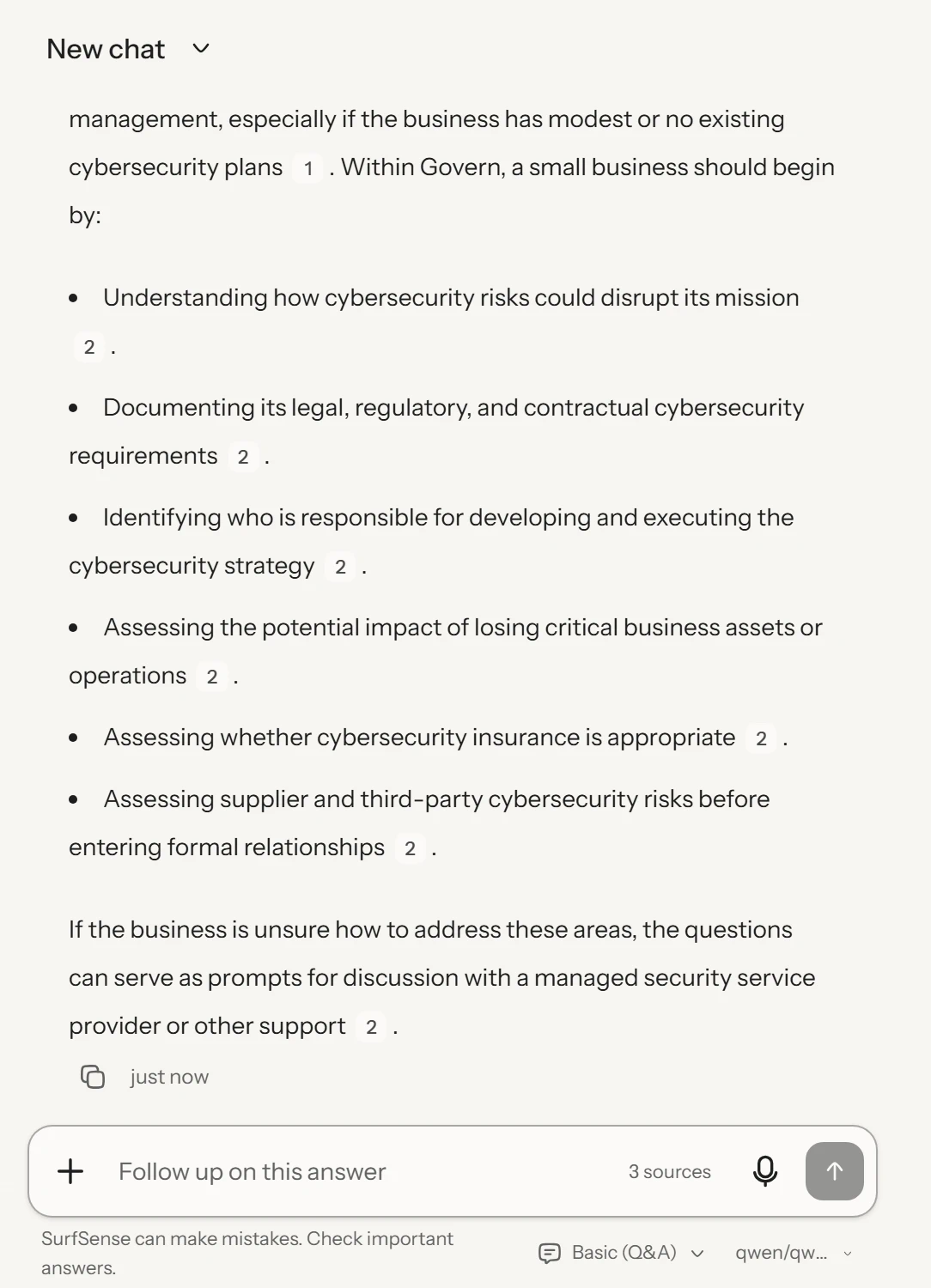
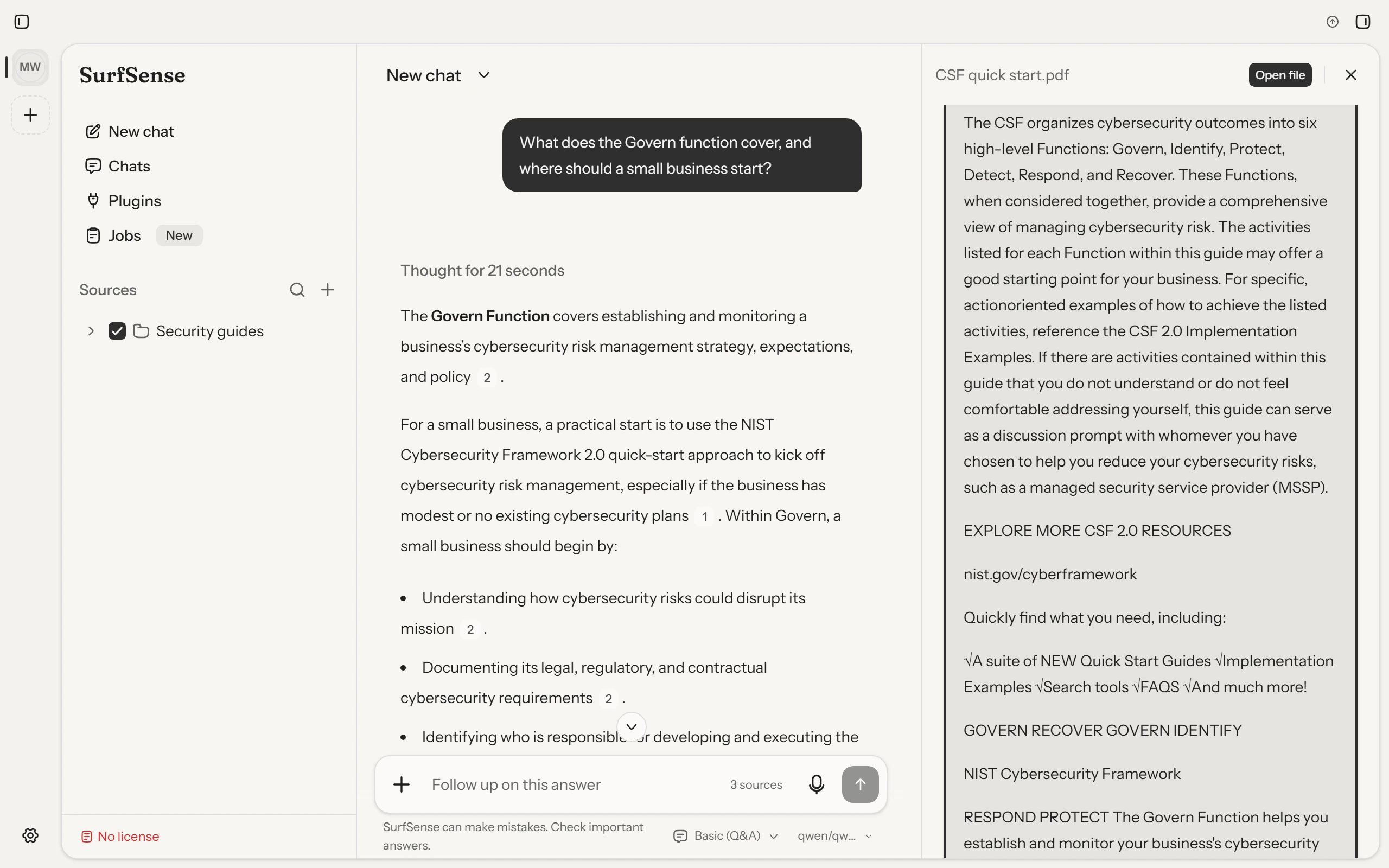
Open a citation
Click a chip. The passage opens on the right, highlighted, with the text around it. Open file opens the original document.
Next
- Choose which sources to use for the next question.
- Studio turns the same sources into documents, slides and quizzes.
Last updated on November 23, 2026