 SurfSense Docs
Turn your sources into a podcast
Brief a podcast episode from your sources, let SurfSense voice it on your computer, and listen with its transcript
Studio writes a conversation about your sources and voices it with a voice model on your computer. SurfSense ships one and picks it for you, so podcasts work offline from the start. See Podcast voices.
Brief the episode
In Studio, click Podcast. SurfSense prepares a brief from your sources: the language, a style such as Conversational, Interview or Debate, the length, and the speakers. Give each speaker a name, a role and a voice, or Add speaker.
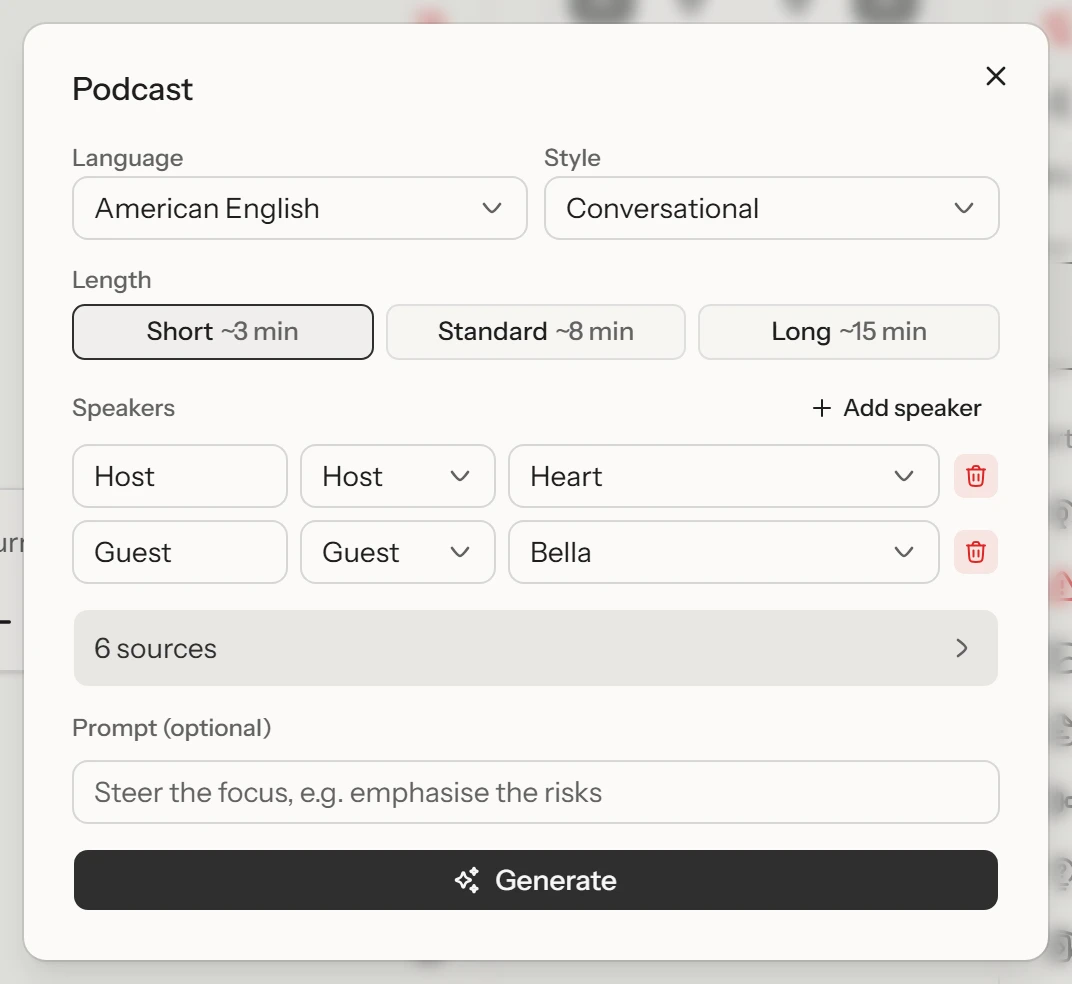
Generate it
Click Generate. Your chat model writes the script, then the voice model reads each line on your computer. A short episode takes a few minutes.
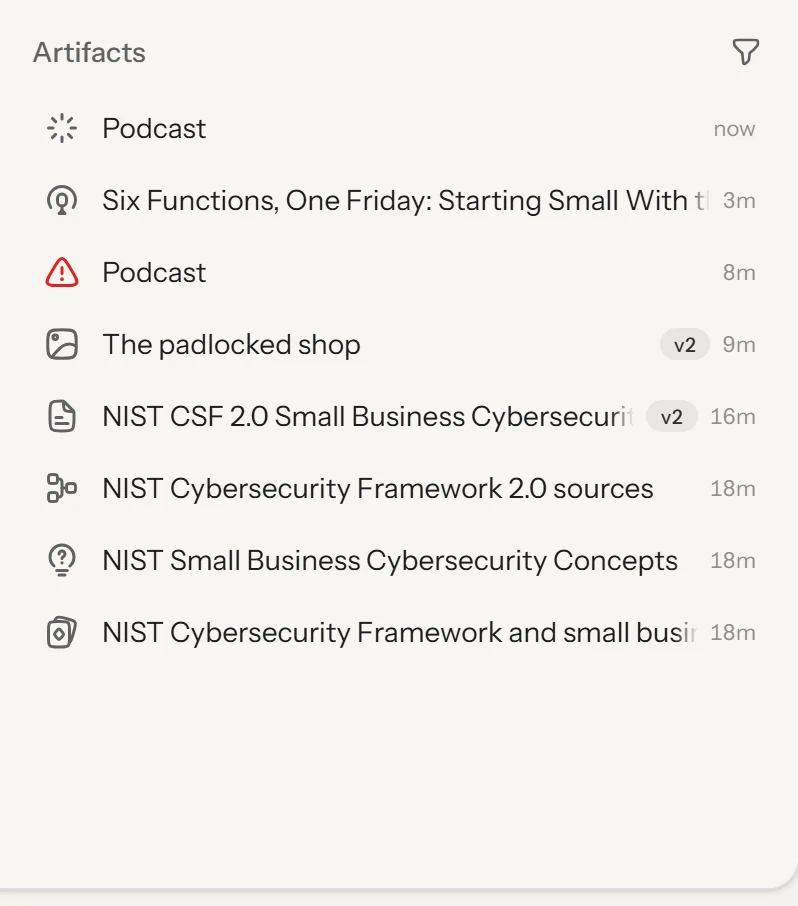
Listen and read along
Open the episode to play it, with its transcript under the player. Download saves it as an MP3.
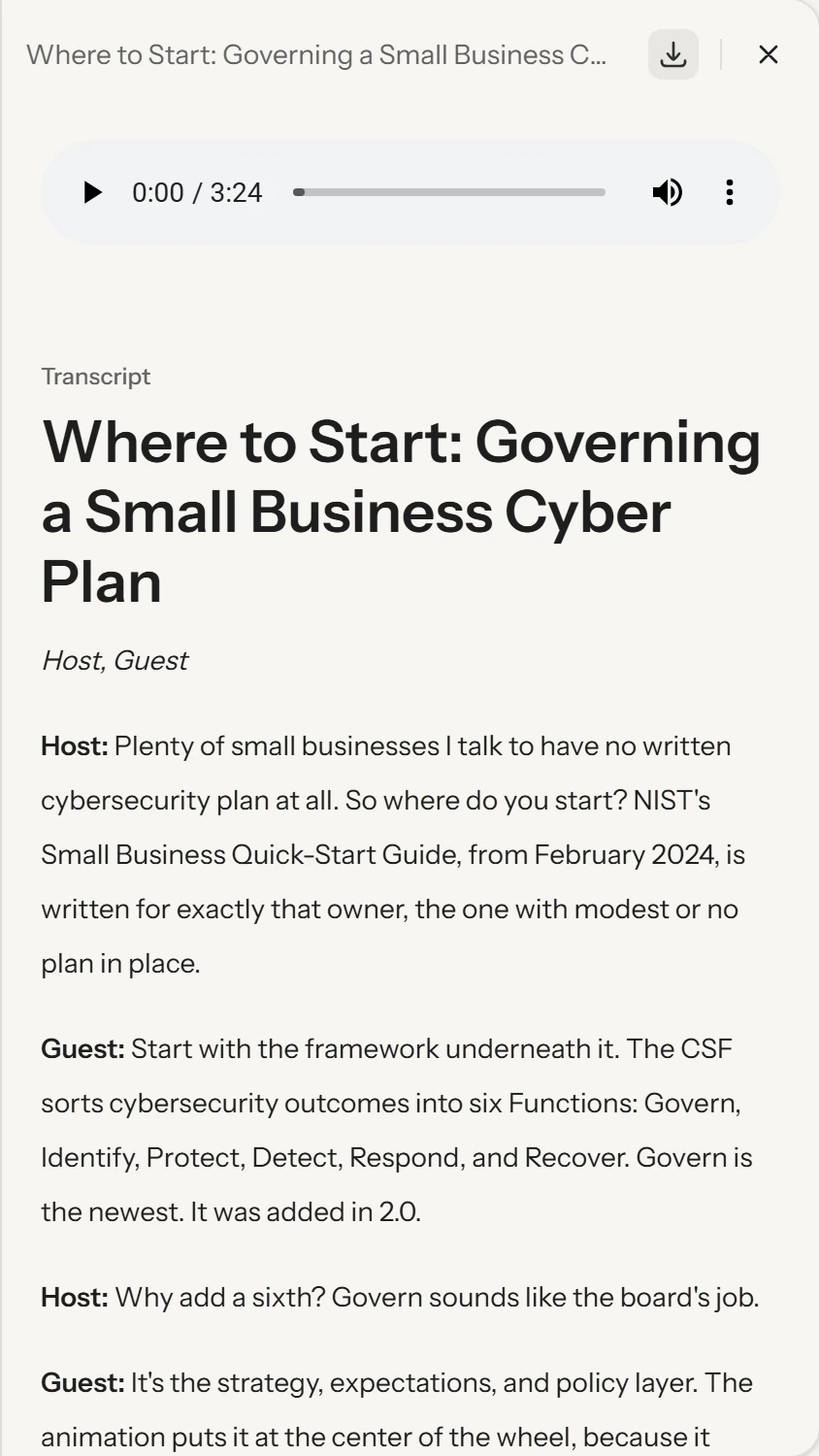
A voice model on your computer checks for free memory before it starts, and says how much it needs if there isn't enough. Close other apps and try again, or pick a lighter voice model in Settings › Audio.
Next
- Make flashcards, a quiz and a mind map.
- Voice covers the other voice models, and voices from a server.
Last updated on November 23, 2026