 SurfSense Docs
Edit your own Word file with tracked changes
Ask the agent to edit one of your Word sources, and review its revised copy change by change
Ask the agent to edit one of your own Word, Excel or PowerPoint sources and it makes a revised copy: your file is never changed. In a Word copy, every edit is a tracked change, and the agent can add comments. See Revised copies of your files.
Ask for the edits
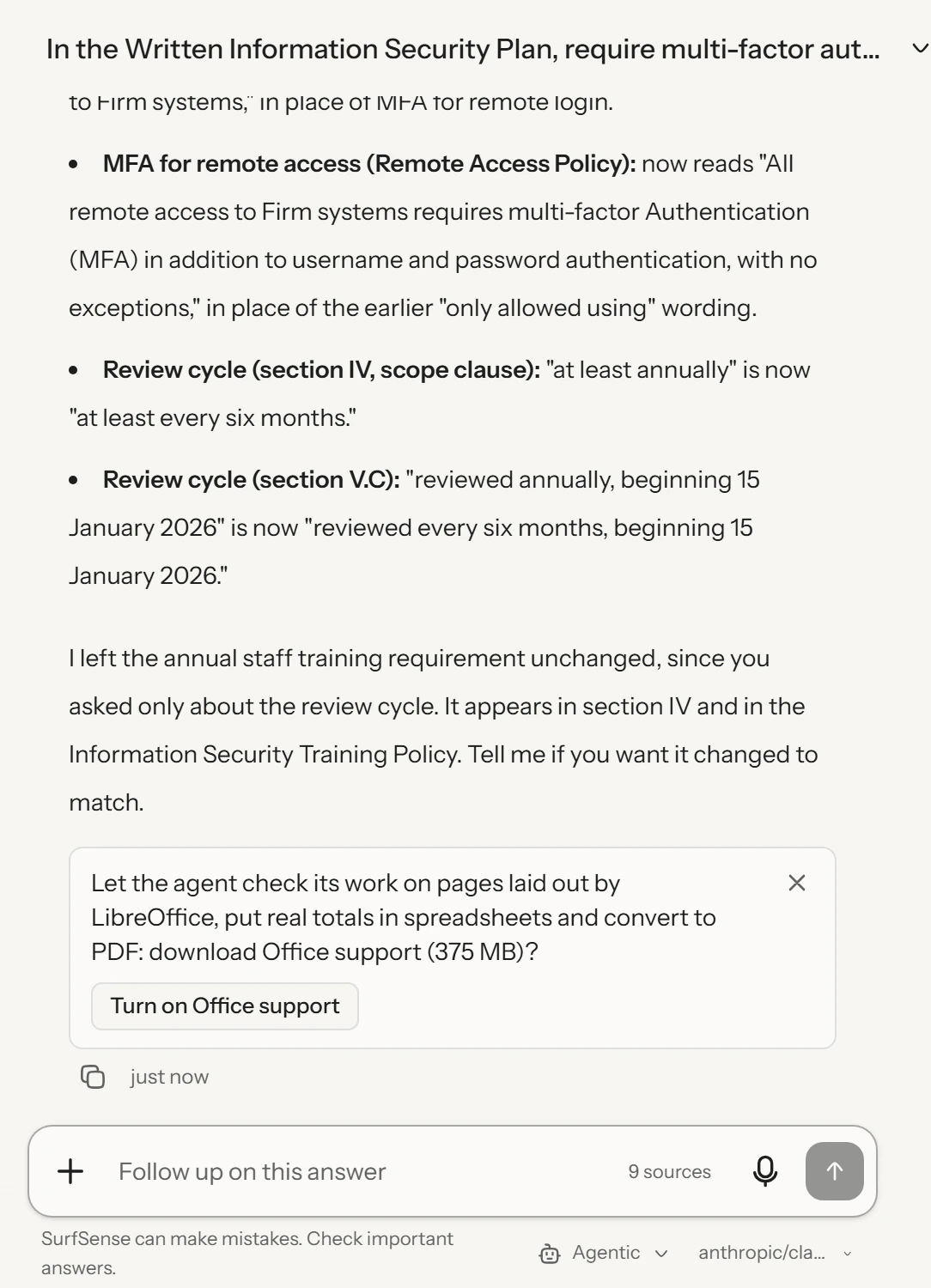
Add the Word file to Sources. In an Agentic chat, ask for the edits, naming the file, such as "in the security plan, require multi-factor authentication for remote access". The step that made the copy links to it.
Review the tracked changes
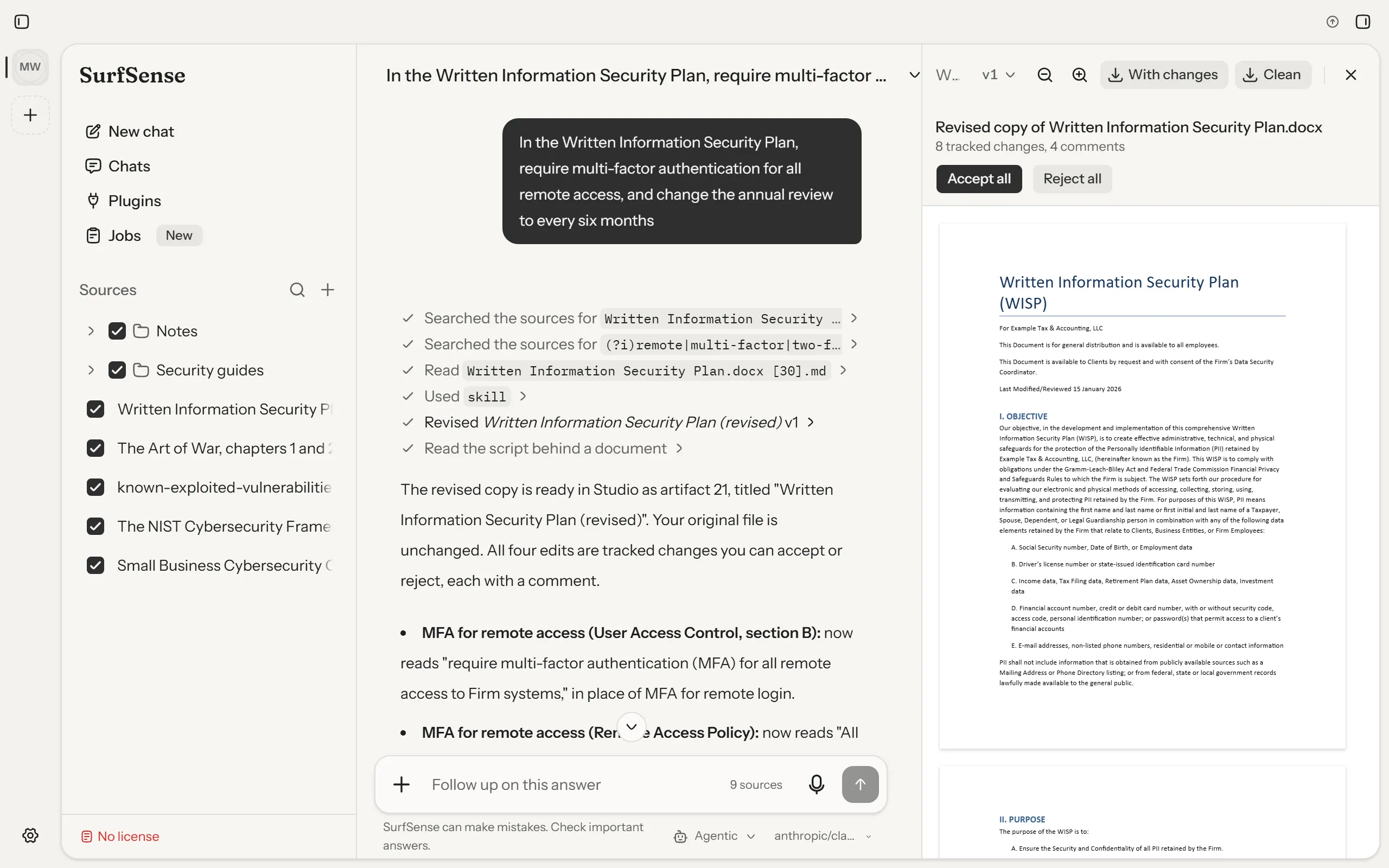
Open the revised copy. Studio shows the edits as Word does, with a count such as "6 tracked changes, 3 comments". Accept all or Reject all makes a new version with the changes applied or removed.
Download it
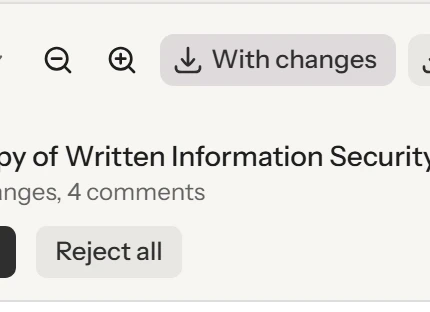
With changes downloads the copy with its tracked changes and comments, to review in Word. Clean downloads it with every change accepted and no comments.
Each later edit you ask for in the same chat is the copy's next version. Word headers, footers and footnotes are not edited yet.
Next
- Merge, split, stamp and fill PDFs.
- Reviewing contracts against your playbook? See Jobs.
Last updated on November 23, 2026