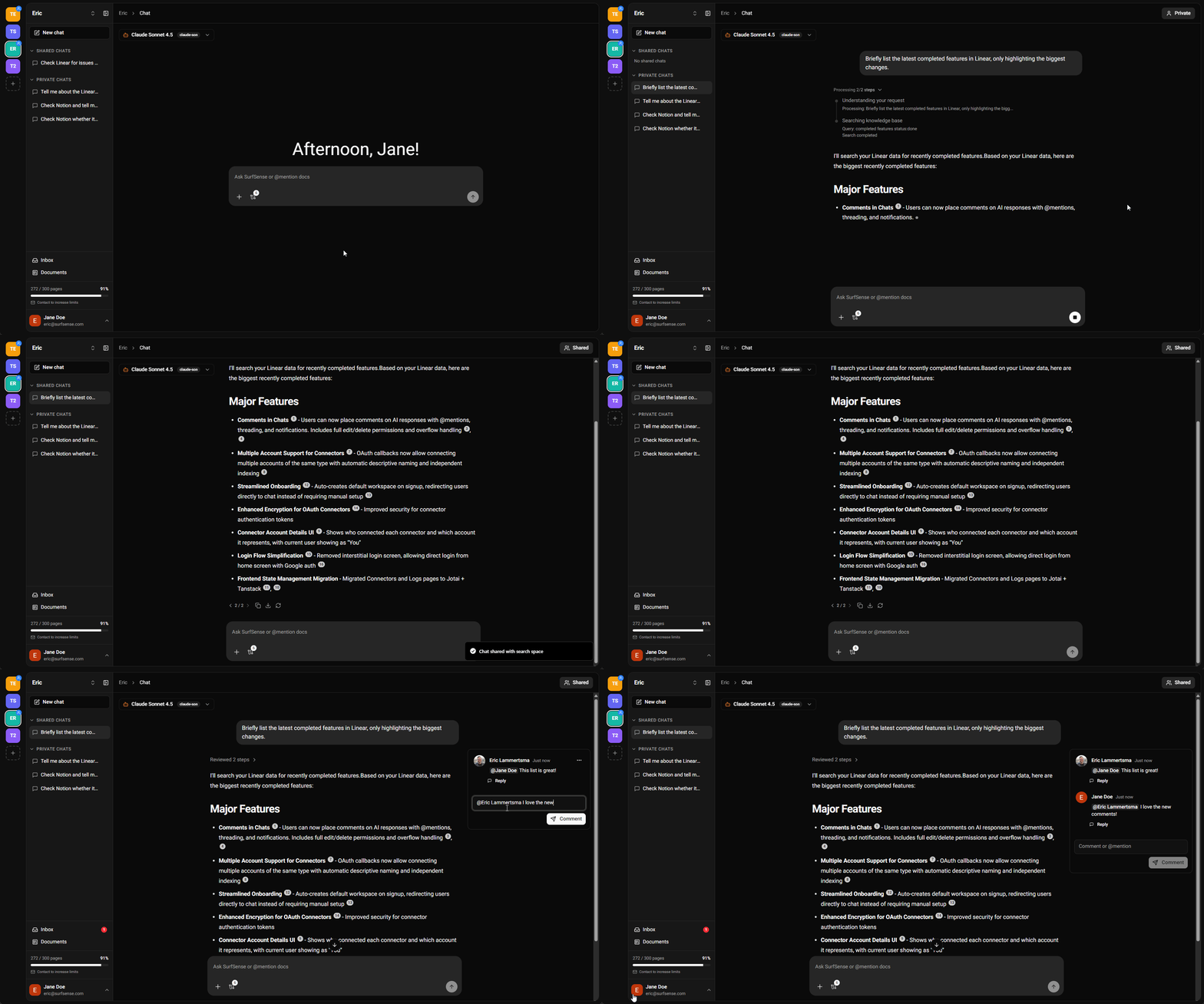
v0.0.26 is our biggest workflow release yet: AI automations land in SurfSense. If you've been looking for open source AI automation, a self-hosted AI agent that runs on a schedule, or document workflow automation that reacts the instant a file shows up, this release is for you. Describe what you want in plain English, let SurfSense draft the automation, approve it, and your agent runs on its own: on a cron schedule or triggered by real events in your knowledge base. Best of all, automations work across your connectors, so one workflow can search and act on Notion, Slack, Google Drive, Gmail, GitHub, Linear, Jira and Confluence. This release also brings connector @-mentions into chat, a faster anonymous chat experience, and a redesigned homepage.
Turn one-off prompts into repeatable, hands-off AI agent workflows.
- Build Automations From Chat: Describe an automation in plain English and SurfSense drafts it for you. Review the generated workflow in a human-in-the-loop approval card, tweak it, and save. No config files, no code.
- Scheduled AI Workflows: Run an agent on a cron schedule for daily briefs, weekly digests, and recurring reports. SurfSense computes the next run time and fires it automatically in the background.
- Event-Triggered Automations: Kick off an agent the moment a document enters a folder. SurfSense's new in-process event bus watches your knowledge base and launches the right automation as soon as the event happens.
- Agent Task Action: Every automation runs a full multi-agent chat turn, so your scheduled and event-driven runs have the same reasoning, search, and tool access as a live chat, with an auto-approve loop so they finish unattended.
- Automations Across Your Connectors: Because each automation runs a full agent turn, your scheduled and event-triggered workflows can search and act across all 25+ connected sources, including Notion, Slack, Google Drive, Gmail, GitHub, Linear, Jira, Confluence, and your Obsidian vault.
- Automations Dashboard: A dedicated list view shows every automation with its status, plus one-click pause, resume, and delete. Find it in the sidebar under Inbox.
- Detail & Run History: Open any automation to inspect its definition, manage triggers inline, and browse a complete run history with inputs, outputs, and clear error reporting.
- Power-User JSON Mode: Create or edit an automation directly as raw JSON with a unified JSON viewer and editor for full control over the workflow definition.
- Role-Based Access: Automations are governed by SurfSense's RBAC system, with a dedicated permissions family so teams control exactly who can create, run, and manage them.
- @-Mention Your Connectors: Mention connectors directly in the composer to scope a question to a specific source like Notion, Slack, Google Drive, Gmail, GitHub, Linear, Jira, or Confluence, alongside existing document mentions.
- Recent Mentions: SurfSense now remembers your recent mentions so the sources you use most are always one keystroke away.
- Smoother Mention Picker: A refreshed mention picker with loading skeletons, clearer connector definitions, and a better inline editing experience.
- Anonymous Chat, Reworked: The free, no-login chat experience has been rebuilt for a faster first impression and a cleaner anonymous-to-account path.
- Better Long-Running Turns: Improved task management and timeout handling in multi-agent chat keep complex, tool-heavy conversations reliable.
- Leaner Toolset: Retired the legacy in-product docs search tool to keep agent reasoning focused and fast.
- Redesigned Use-Case Showcase: The homepage now groups demos into clear categories (Desktop App, Deliverable Studio, Search & Chat, Connectors & Integrations, and Automations) so visitors immediately see what SurfSense can do.
- Desktop App, Front and Center: The desktop experience is highlighted as a set of native extras on top of everything SurfSense already does, not a separate product.
- Bulk-moving documents now uses ORM objects so folder events fire correctly and trigger automations
- Automation enum columns now persist Postgres enum values instead of names
- Automation agent tasks use an in-memory checkpointer to avoid Celery pool timeouts
- The API client now handles 204 No Content responses without errors
- The model role manager now stays in sync when preferences are updated
- The JSON editor now coerces numeric strings to numbers on edit
- New in-process domain event bus with an event catalog and a
document.entered_folder event
- SQLAlchemy session hooks publish folder events automatically, registered at app startup
- Cron schedule triggers backed by croniter and a Celery beat tick task
- Sandboxed template engine with an allowlisted filter and test set for safe workflow templating
- Automations reorganized into a vertical-slice architecture (actions and triggers grouped by domain)
- Extensive new test coverage locking automation schemas, dispatch, runtime, triggers, and templating
- Model eligibility checks when creating automations, so only valid models are selectable
v0.0.26 turns SurfSense from a place you ask questions into a place that does the work for you. Whether you want scheduled AI workflows, event-driven document automation, or a self-hosted, open source AI agent you fully control, this release lets you build it from a single sentence.
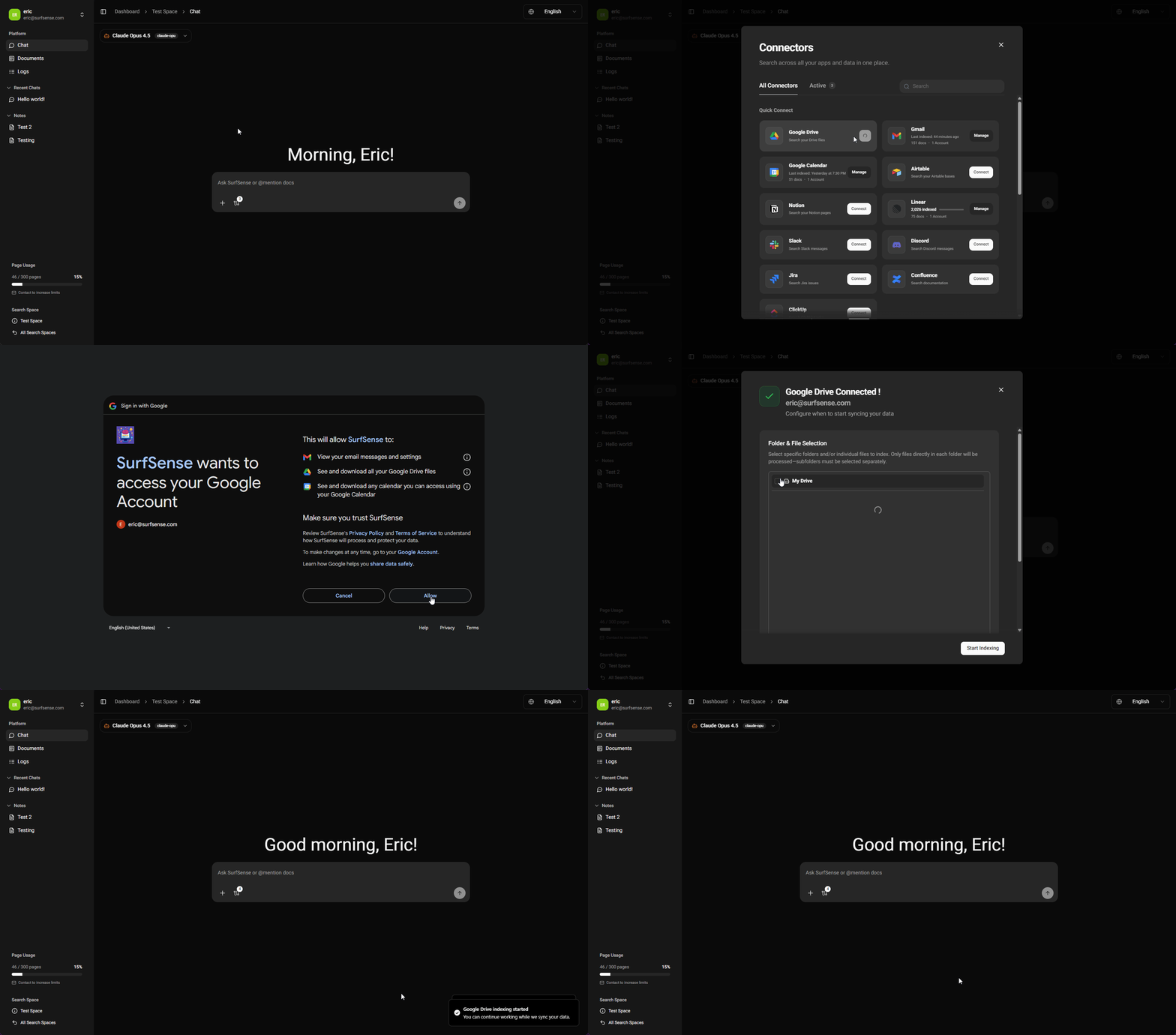
SurfSense connects all your knowledge sources in one place.